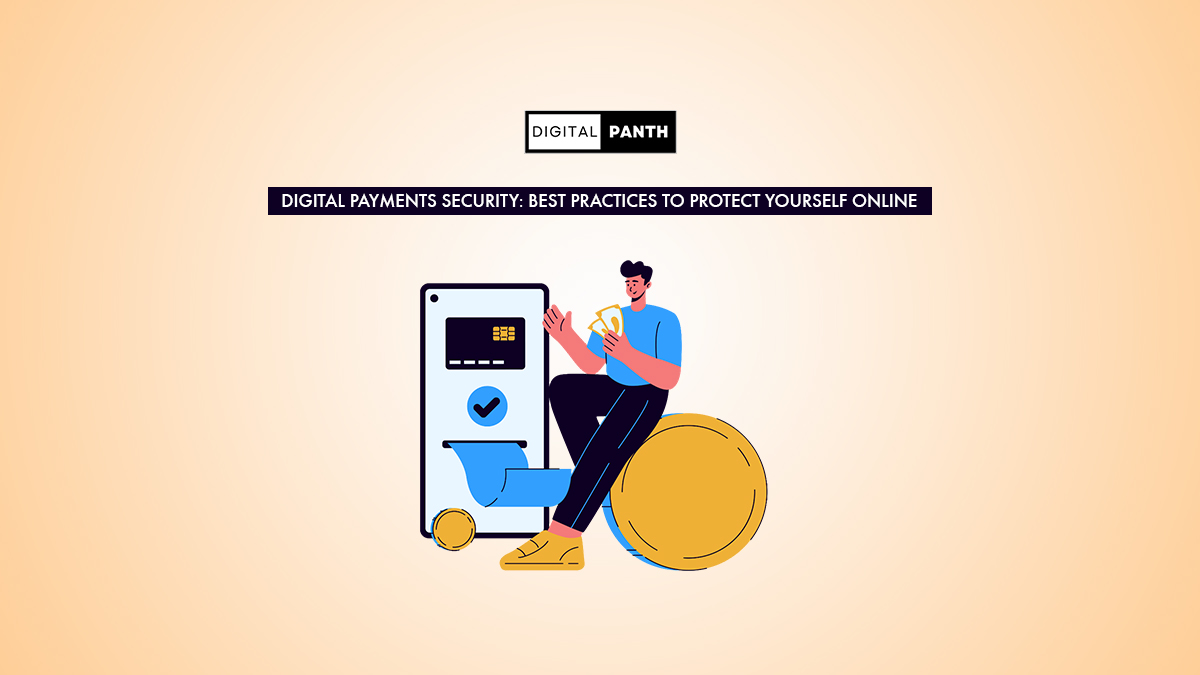
The rapid rise of digital payments through UPI, mobile wallets, net banking, and contactless cards has made digital transactions an everyday part of life in India.
According to statistics from the Reserve Bank of India (RBI) and the National Payments Corporation of India (NPCI), India is now a global leader in digital transaction volume. While this provides benefits for ease of use, it also increases the likelihood of being the victim of digital fraud, phishing attacks, identity theft, and unauthorised access to information or funds.
To make safe online financial transactions, a user must know how to protect themselves. This digital payment security guide includes basic security practices recommended for users to safely use digital payment applications.
Why Is Digital Payment Security Important?
The increase in the use of digital payments in India has led to benefits such as quicker, safer, and more efficient transactions, the ability to maintain transparent financial records, less dependence on cash, and immediate funds transfers throughout the nation. However, the rise in the number of digital transactions has resulted in an increase in activity by cyber criminals; Digital fraud can take on several forms, including:
- Fraudulent UPI call attempts
- False payment sites
- OTP Scam Emails
- SIM Swap scam attempts
- Phishing emails
- Fraudulent Customer – Care Numbers
- Scams using screen-sharing via Apps
To safely navigate the digital payment industry, users should be educated on identifying these types of attacks and the steps to take to prevent falling victim to them.
Best Practices to Protect Yourself Online
Never Share OTPs, PINs, or Passwords
Banks, payment apps, UPI platforms (like Google Pay, PhonePe, Paytm), and government bodies never ask for:
- OTP
- UPI PIN
- CVV
- Debit card PIN
- Passwords
- Bank account details
If someone asks, it is 100% a scam. Never share these details with anyone, not even with so-called “bank employees” on calls.
Use Only Official Apps and Websites
Always download:
- UPI apps from the Google Play Store or Apple App Store
- Banking apps from verified publishers
- Official websites for net banking
- Avoid using APK files, unknown links, or apps shared through WhatsApp or Telegram.
Beware of Fake Payment Links
Scammers send links that look like:
- Request payment
- Claim refunds
- Fake rewards
- KYC updates
- Lottery winnings
- Clicking these links can compromise your data or steal your money.
Rule:
- If a stranger sends you a payment link, never click it.
- If someone claims they “sent money and you need to approve it,” remember—receiving money never requires approval.
Enable Multi-Factor Authentication
Strong authentication makes your digital accounts more secure. Use:
- Biometric lock
- Face ID
- App lock
- Bank transaction password
- SIM lock
- Multi-level protection reduces the chances of unauthorised access.
Avoid Public Wi-Fi for Financial Transactions
Public Wi-Fi networks (in cafes, malls, airports) are easy targets for hackers. They can intercept your data, including:
- Login details
- Card numbers
- Banking credentials
- Use mobile data or a trusted private Wi-Fi network instead.
Regularly Update Your Apps and Phone
Updates fix security vulnerabilities. Ensure:
- Banking apps
- UPI apps
- OS (Android/iOS)
- Browser
They are always updated to the latest version. This keeps your device protected from malware and hacking attempts.
Use Strong Passwords
A weak password makes your account an easy target for hackers. Use:
- Combination of letters, numbers, and symbols
- At least 10–12 characters
- Different passwords for different apps
- Avoid using personal details, such as birthdate, name, or phone number.
Do Not Allow Screen Sharing with Strangers
Scammers often ask users to install screen-sharing apps, such as AnyDesk, TeamViewer, or QuickSupport. Once installed, they can view your banking activity and steal money.
Important: Banks will never ask you to install screen-sharing apps.
Keep Your Mobile Number Updated With the Bank
Your mobile number receives:
- OTPs
- Alerts
- Fraud messages
- Transaction notifications
If you change your number, update it immediately to avoid missing important security alerts.
Check SMS and Bank Alerts Immediately
Always read bank alerts carefully. If you see:
- Unknown transaction
- Login attempt
- Money was deducted without your permission.
- Contact your bank’s customer support or block your card immediately.
Know How to Report Digital Fraud
The Indian government has a dedicated cybercrime helpline: 1930 – National Cyber Fraud Helpline Or cybercrime.gov.in . Reporting quickly (within hours) increases the chance of recovering your money.
How to be Secure When Using UPI?
As nowadays, UPI has become the Primary Payment Method Used for making payments in India, users should use caution when making payments with UPI.
- Never Share Your UPI PIN with Anyone Other Than the Person to Whom You Are Sending Money.
- Always Verify the Name of the Person to Whom You Are Sending Money Before You Send Money to Them.
- Be Cautious When Scanning a QR Code, and do not take screenshots of QR Codes or forward them, as The Sender Can modify them.
- If You Lose Your Cellphone, You Should Immediately disable UPI.
- Do Not Approve a Collection Request by Someone You Do Not Know.
- Digital Payment Security for Online Purchases
- When paying for Items Purchased on the Internet, Be Sure to look for HTTPS after the www in the URL.
- Do Not Click on Ads for “Huge Discounts” for Products You Have No Knowledge of.
- When Purchasing Items from Unknown Sellers, You Should Use the Option to Pay with Cash on Delivery.
- You should use reputable sites such as Amazon, Flipkart, and Myntra.
- Do Not Store Your Credit Card Information in Multiple Applications.
Conclusion
While Digital Payments Have Simplified Our Lives and Provided a More Efficient and Transparent Way to Make Payments, Users Need to Be Aware of how to Avoid Fraud, Protect Themselves from Online Scams, and Instil Good Habits. Users need to Stay Vigilant and Share Their OTP with only those who are legitimate. Do Not Click on Suspicious Links and Use Multiple Layers of Security for Protection Against Most Online Scams.
Frequently Asked Questions
Fake links often originate from unknown numbers, promise rewards, or request refunds. Always verify the source and avoid clicking any link that looks suspicious.
No. Your mobile number alone cannot be used to withdraw money. Scammers need access to your OTP, UPI PIN, or banking details—never share these with anyone.
Immediately block your debit card, disable UPI services, and call your bank. Then report the incident on the 1930 cyber fraud helpline or cybercrime.gov.in.
Yes, UPI is secure because it uses encrypted transactions. However, safety depends on user awareness, only enter your UPI PIN while sending money, not receiving it.
Disclaimer: This article is for educational purposes only. Digital fraud risks vary, and users should follow official guidelines from banks, NPCI, and the Government of India. The author is not responsible for financial losses or misuse of information. Always verify suspicious activity directly with your bank or through authorized helplines.